

Download Winamp APK – music player, sync music, Winamp APK, Android music app, Wi-Fi sync, mobile music player, music library, podcast app, audio streaming
Overview
Winamp is a free Android application developed by Nullsoft designed to simplify the process of syncing music libraries from a personal computer to a mobile device. The software enables users to transfer their desktop music collections wirelessly via Wi-Fi, eliminating the need for cables or complex file management. Its primary purpose is to bridge the gap between desktop and mobile listening experiences, allowing music enthusiasts to access their favorite tracks on the go. The app caters to both casual listeners and dedicated audiophiles who value seamless music access across devices.
Real-world usage scenarios include transferring a curated playlist from a home PC to a smartphone before a commute, or syncing an entire music library for travel. The app supports a wide range of audio formats, including MP3, AAC, FLAC, and WAV, ensuring compatibility with most digital music files. While the software is currently in beta, it aims to deliver a streamlined, user-friendly experience with features such as playlist creation, album cover viewing, and artist-based categorization. The developer did not provide additional details about target user demographics beyond general music consumers.
Key Features & Capabilities
- Wi-Fi Music Sync – Enables wireless transfer of music from a PC to an Android device using a local network, allowing users to carry their entire music library without physical connections.
- Multi-Format Support – Compatible with common audio formats such as MP3, AAC, FLAC, and WAV, ensuring broad file compatibility across different sources.
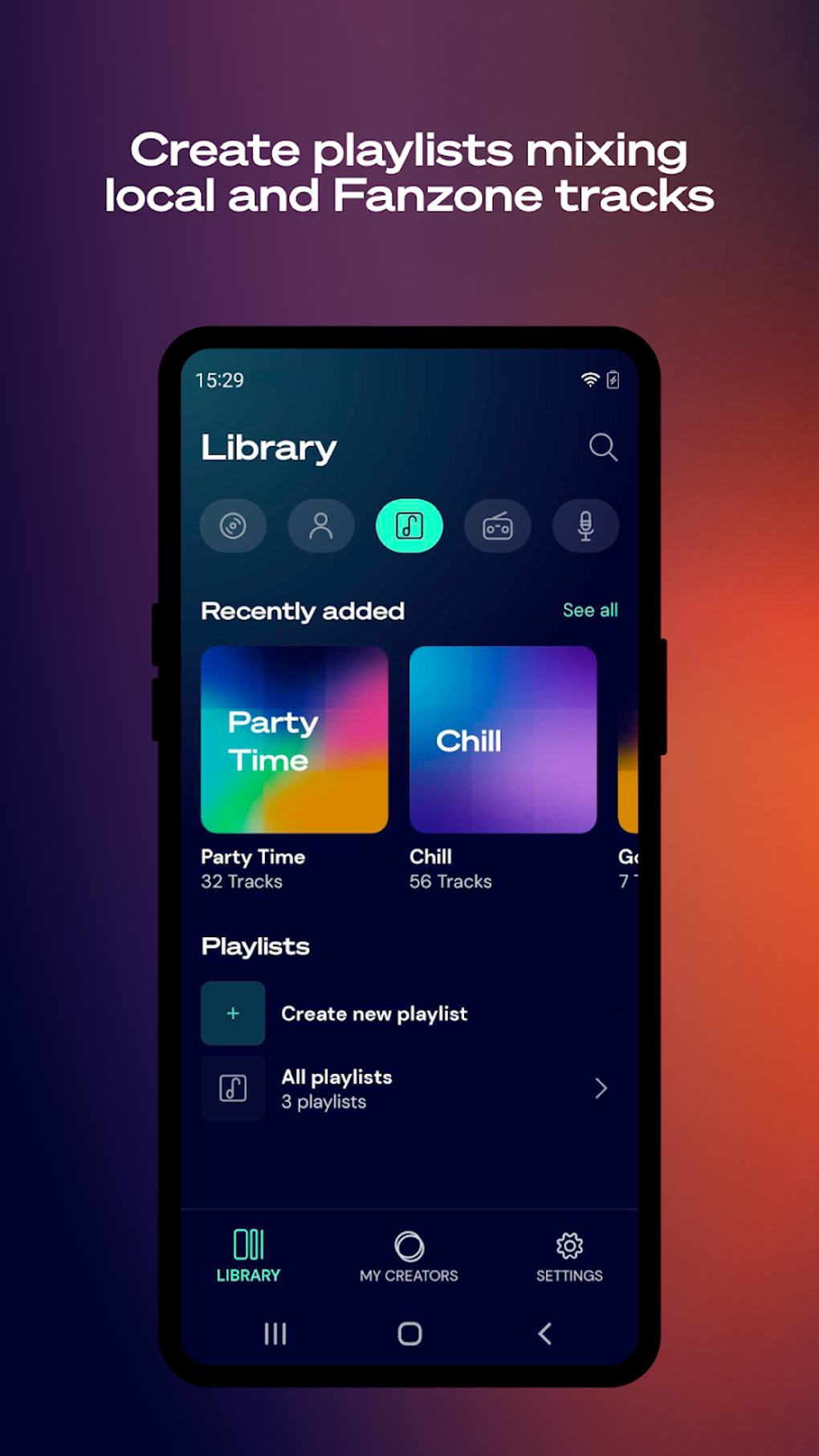
- Playlist Management – Allows users to create, edit, and organize playlists with ease, supporting both manual and automatic track grouping.
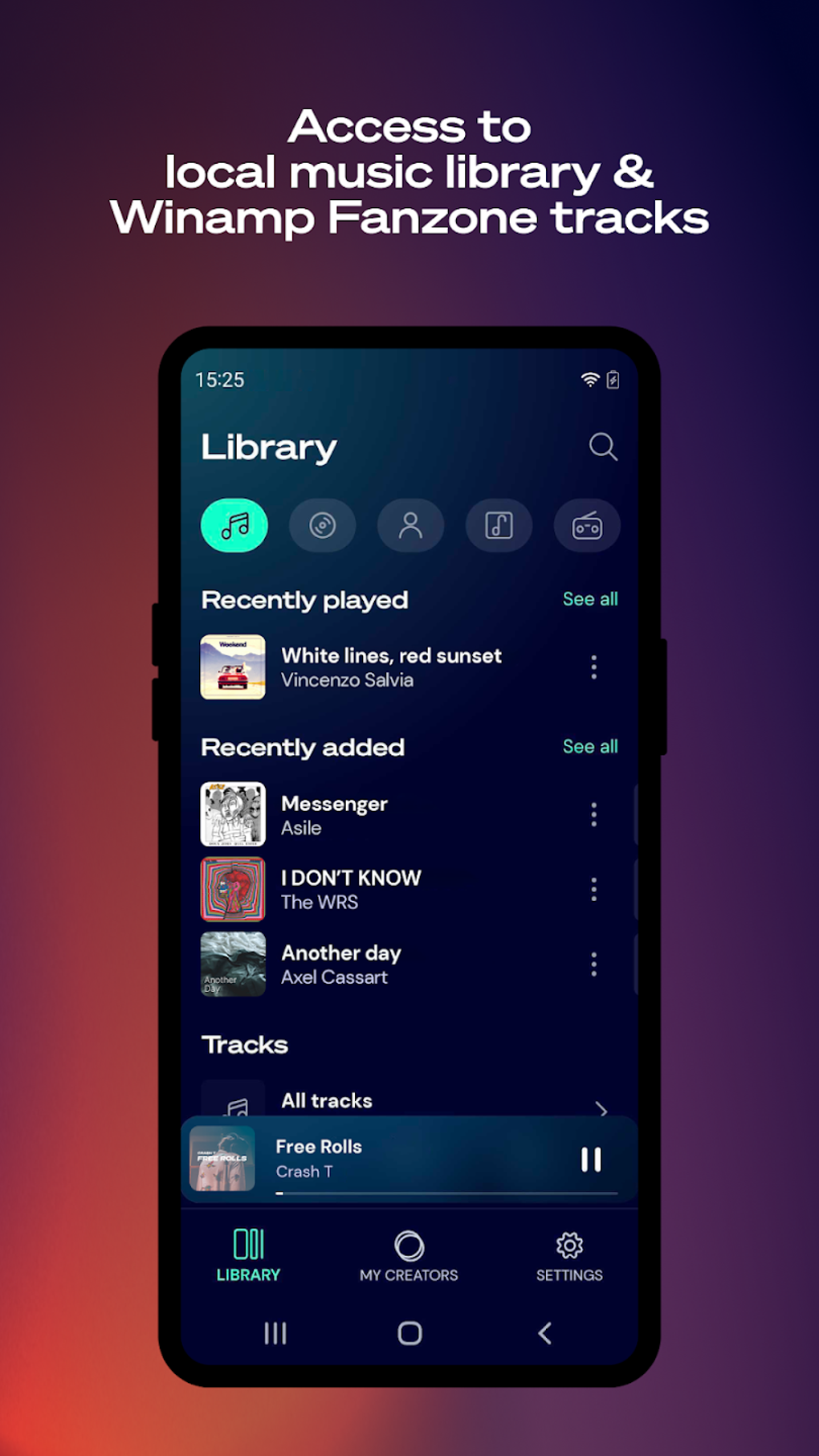
- Album Cover Viewer – Displays album art for better visual identification and enhanced browsing of music collections.
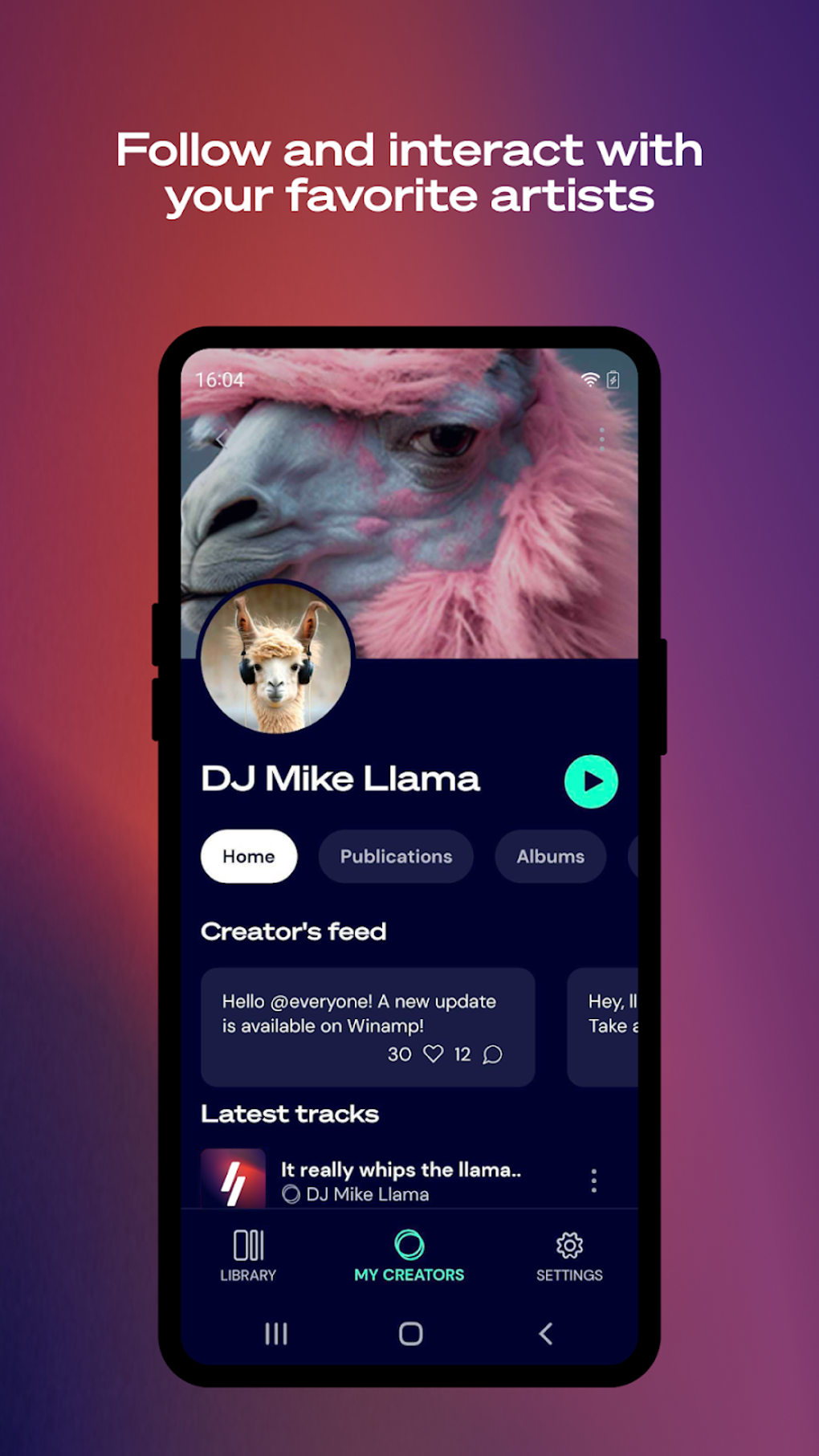
- Podcast Integration – Includes access to podcast directories, enabling users to discover and stream new shows directly within the app.
- Artist and Genre Categorization – Organizes music by artist, album, genre, and other metadata, improving navigation and discovery.
- Social Sharing – Offers the ability to share music preferences and playlists on platforms like Facebook, Instagram, Snapchat, and TikTok.
These features are designed to enhance music accessibility and personalization. For example, users can sync a playlist before a long drive, then browse it by artist or album cover while on the move. The integration of podcast discovery adds versatility, allowing the app to serve as a one-stop hub for both music and audio content.
User Interface, Workflow & Performance
Winamp features a clean, intuitive interface inspired by its desktop predecessor, offering familiar controls such as play, pause, skip, shuffle, and repeat. Navigation is straightforward, with menus organized by library, playlists, and podcasts. The workflow prioritizes simplicity, allowing users to initiate syncs with minimal steps and manage music through a visual library layout.
Performance details were not specified by the developer. However, based on general software behavior, the app is expected to operate smoothly on modern Android devices. The developer did not provide information on CPU or RAM usage, nor did they specify stability metrics. Users may experience variable performance depending on device capabilities and network conditions during sync operations. The app’s lightweight size of 14.4 MB suggests efficient resource usage, but exact performance behavior remains unconfirmed.
Compatibility & System Requirements
Winamp is designed for Android devices and is compatible with the Android operating system. The current version is 2.10.1, and the installation size is 14.4 MB. The developer did not provide additional system requirements such as minimum Android version, RAM, or processor specifications.
Compatibility information is limited to the platform and version. Users are advised to ensure their device runs a supported Android version, though specific details were not disclosed. The app’s reliance on Wi-Fi for syncing means a stable network connection is required for optimal performance. The developer did not specify whether older Android versions are supported or if the app is optimized for tablets or foldable devices.
Pros and Cons
Pros
- Free to download and use with no hidden costs
- Effortless Wi-Fi-based music syncing from PC to mobile
- Supports a wide range of audio formats including FLAC and WAV
- Intuitive interface with familiar playback controls
- Integrated podcast directory for content discovery
- Customizable playlist and library organization
Cons
- Lacks advanced features available in the desktop version, such as equalizer and visualization
- No support for SHOUTcast radio or skins in the current beta release
- Playlist management workflow could be improved, especially adding tracks from the playlist screen
- Some core functionality is missing, which may limit appeal for power users
- Performance and stability details were not provided by the developer
FAQ Section
Is Winamp available for free on Android?
Yes, Winamp is available as a free application on Android, with no subscription or in-app purchase requirements.
Can I sync music from my PC to my Android device using Wi-Fi?
Yes, Winamp supports wireless music syncing between a PC and Android device over a local Wi-Fi network, allowing users to transfer their music library without cables.
Does Winamp support FLAC and WAV files?
Yes, the app supports multiple audio formats including FLAC and WAV, ensuring compatibility with high-quality audio files.
Is Winamp safe to download and use?
Winamp is developed by Nullsoft, a trusted name in multimedia software. As long as the APK is downloaded from a reputable source, it is considered secure.
Can I use Winamp offline after syncing my music?
Yes, once music is synced to your Android device, it can be played offline without requiring an internet connection.
Final Thoughts
Winamp delivers a promising foundation for mobile music management with its core strengths in Wi-Fi syncing, multi-format support, and intuitive interface. While currently in beta and missing several advanced features found in the desktop version, it offers a functional and convenient way to access your music library on Android. The app is ideal for users who prioritize seamless music transfer and a clean, organized listening experience. Despite its limitations, the software demonstrates potential for growth and improvement. For music lovers seeking a reliable, free tool to sync and manage their music on the go, Winamp is a solid choice.
Download Winamp APK now






.png)
